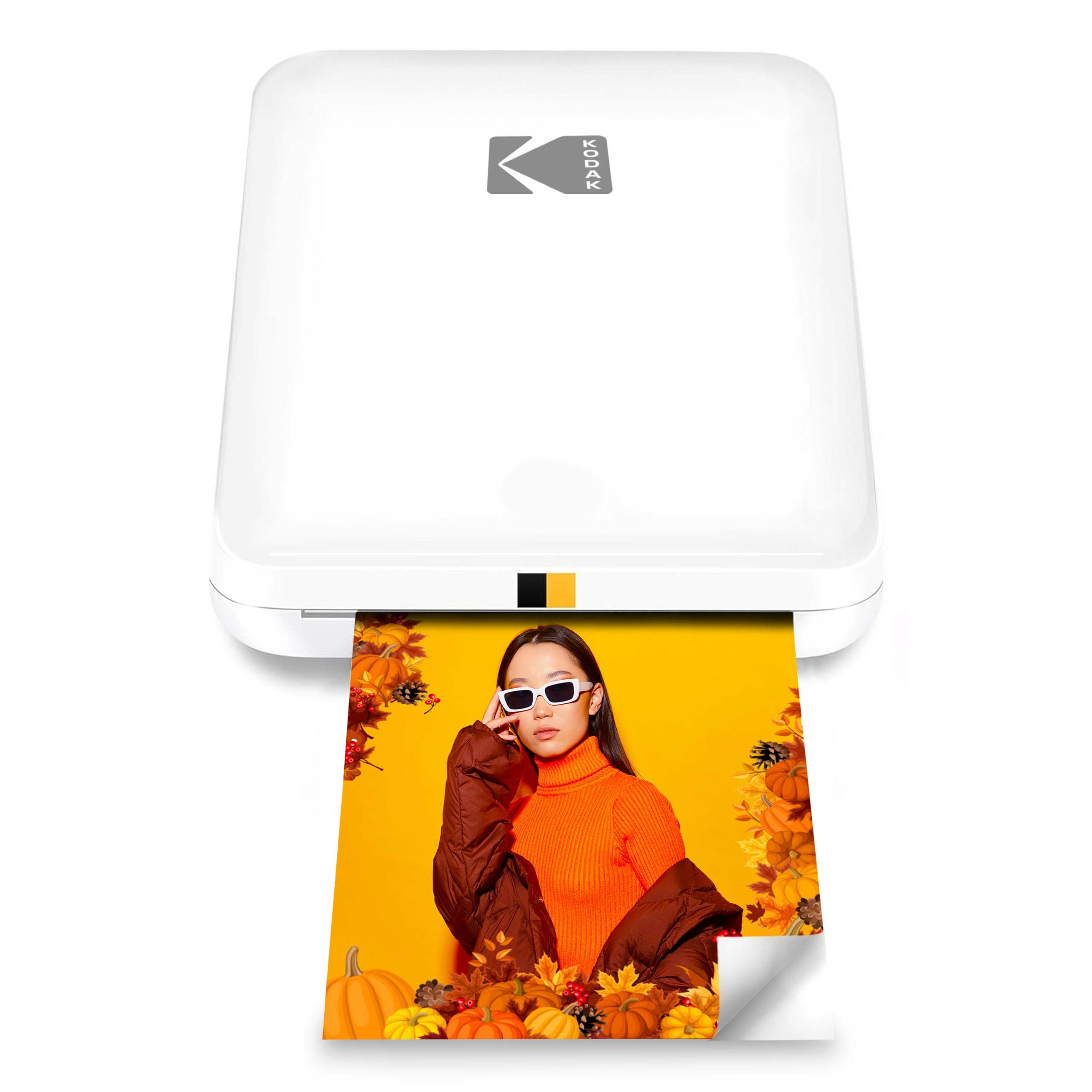
The Kodak Step Slim is designed to turn phone photos into small, colorful keepsakes you can carry, share, or stick onto a journal or other surface.
This kodak step slim printer review looks at its pocketable format, app-based editing, and the practical tradeoffs of 2-by-3-inch Zink prints.
Kodak Step Slim Review Summary
The quick verdict
500+ ratings
Read Amazon ReviewsKODAK Step Slim
A compact phone printer for travelers, scrapbookers, and anyone who wants small, adhesive-backed snapshots to decorate or share.
- Prints color photos on 2-by-3-inch Zink paper with an adhesive backing.
- Connects wirelessly to iOS and Android smartphones through Bluetooth and the KODAK STEP Prints app.
- The app includes editing options such as frames and stickers.
- Zink printing does not require separate ink or toner supplies.

Pros
- Pocket-sized design supports taking the printer along on trips and social outings.
- Small adhesive-backed prints work well for scrapbooks, journals, and casual decoration.
Consider before buying
- The 2-by-3-inch print size is best for small keepsakes rather than larger photographs.
- The workflow depends on using a smartphone and the companion app.
Read the full review summary
The Step Slim centers on quick, casual printing: pair it with an iOS or Android phone, choose an image in the KODAK STEP Prints app, personalize it with frames or stickers, and print on 2-by-3-inch adhesive-backed Zink paper.
Its ink-free process avoids separate ink and toner supplies, while the compact design is aimed at outings and informal creative projects.
It makes the most sense for people who value the experience of turning digital photos into tangible, small-format prints.
The format suits scrapbooks, lockers, and laptop decoration, but buyers should be comfortable with the limited print size and should check the cost and availability of compatible paper before planning frequent use.
The buying factors
Kodak Step Slim Scorecard
Editorial scores reflect listed features and buyer fit; they are not laboratory measurements or customer ratings.
Portability
The slim, lightweight, pocket-sized design is built for carrying on trips and outings.
Phone workflow
It connects to iOS and Android devices through the companion app and Bluetooth.
Creative editing
The app offers options such as frames and stickers for personalizing images before printing.
Print size versatility
The 2-by-3-inch format is handy for keepsakes and stickers, but small for larger display needs.
Supply simplicity
Zink paper prints without separate ink or toner, keeping the printing process compact.
Casual sharing
Adhesive backing makes prints easy to place in journals or on suitable surfaces.
Key Features and Specifications of Kodak Step Slim
- Prints color photos on 2-by-3-inch Zink paper with an adhesive backing.
- Connects wirelessly to iOS and Android smartphones through Bluetooth and the KODAK STEP Prints app.
- The app includes editing options such as frames and stickers.
- Zink printing does not require separate ink or toner supplies.
- The compact, lightweight design is intended for carrying on the go.
- The product description says prints can be produced in under a minute; actual time may vary with setup and use.
Pros and Cons of Kodak Step Slim
Pros
- Pocket-sized design supports taking the printer along on trips and social outings.
- Small adhesive-backed prints work well for scrapbooks, journals, and casual decoration.
- No separate ink or toner is needed for the Zink printing process.
- App editing adds simple ways to personalize photos before printing.
Consider before buying
- The 2-by-3-inch print size is best for small keepsakes rather than larger photographs.
- The workflow depends on using a smartphone and the companion app.
- Ongoing use requires compatible Zink paper, so check paper availability and recurring supply costs before buying.
Who Should Buy Kodak Step Slim?
Good fit
Consider the Step Slim if you want to bring a phone-based photo printer to travel days, parties, or craft sessions.
Its main appeal is immediacy: select a phone image, add a frame or sticker in the app, then make a small print that can be shared or placed in a scrapbook.
It also suits people who prefer not to manage separate ink or toner cartridges. Before purchasing, think about how often you will print and confirm that compatible 2-by-3-inch Zink paper is easy for you to obtain.
Who should skip it
Choose a different format if you need larger prints for framing, detailed image viewing, or substantial photo albums. The Step Slim is built around compact 2-by-3-inch keepsakes.
It may not fit a routine that avoids phone apps or depends on printing directly from a computer. Check that the app-based smartphone workflow suits your devices and habits.
How the Kodak Step Slim fits everyday photo printing
Small prints for personal projects
At 2 by 3 inches, the Step Slim’s output is sized for small, informal uses: adding a snapshot to a journal, making a sticker, or sharing a moment with a friend.
That scale keeps the prints easy to carry and place, though buyers looking for wall-sized or frame-ready photos should consider a larger print format.
A phone-first creative workflow
The printer pairs with a smartphone and uses the KODAK STEP Prints app for editing and printing. Frames and stickers give users a little room to tailor an image to a scrapbook page or personal style.
If you prefer a more hands-off workflow, consider whether choosing and editing each image in an app will feel convenient.
What ink-free printing changes
Zink paper incorporates the color printing process into the paper, so the printer does not need separate ink or toner supplies.
Buyers still need to keep compatible paper on hand, making paper cost and availability useful checks before committing to regular printing.
Portable printing has a natural limit
The slim, lightweight construction is intended to make spontaneous printing easier away from a desk. Its small photo format and dependence on a phone-centered workflow define the best use: quick personal keepsakes rather than versatile home photo production.
Alternatives to Kodak Step Slim
Portable Photo Printers alternative
25,000+ ratings
Read Amazon ReviewsHP Sprocket Select
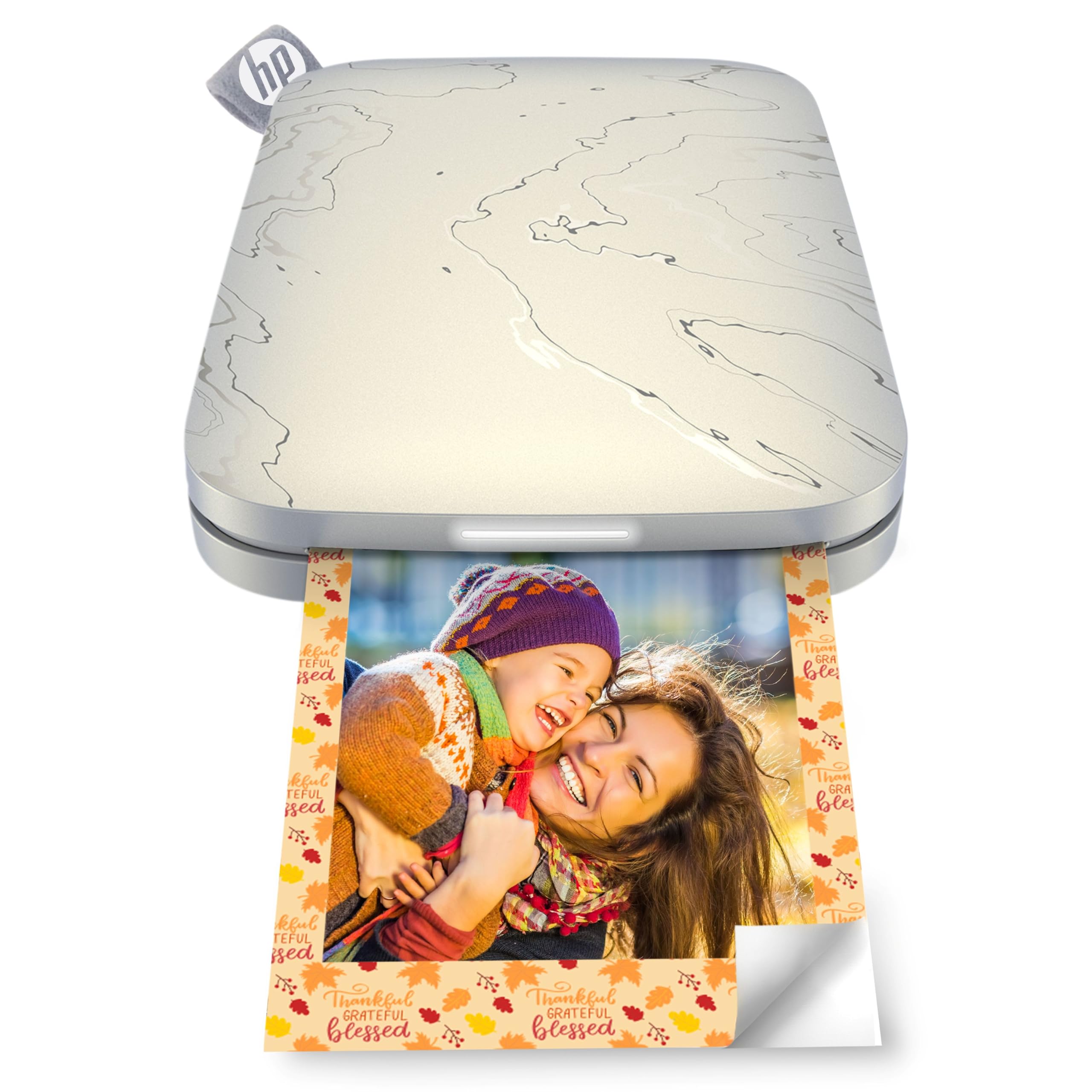
Consider the HP Sprocket Select if a somewhat larger print area matters more than keeping the print to the Step Slim’s smaller 2-by-3-inch format. The Kodak is the more direct fit for buyers specifically seeking compact 2-by-3-inch keepsakes.
- The HP Sprocket Select prints larger 2.3-by-3.4-inch Zink photos and includes app editing features such as frames and filters.
- The Kodak Step Slim prints 2-by-3-inch adhesive-backed Zink photos and emphasizes a compact phone-based workflow.
Portable Photo Printers alternative
12,000+ ratings
Read Amazon ReviewsKODAK Mini 2 Retro
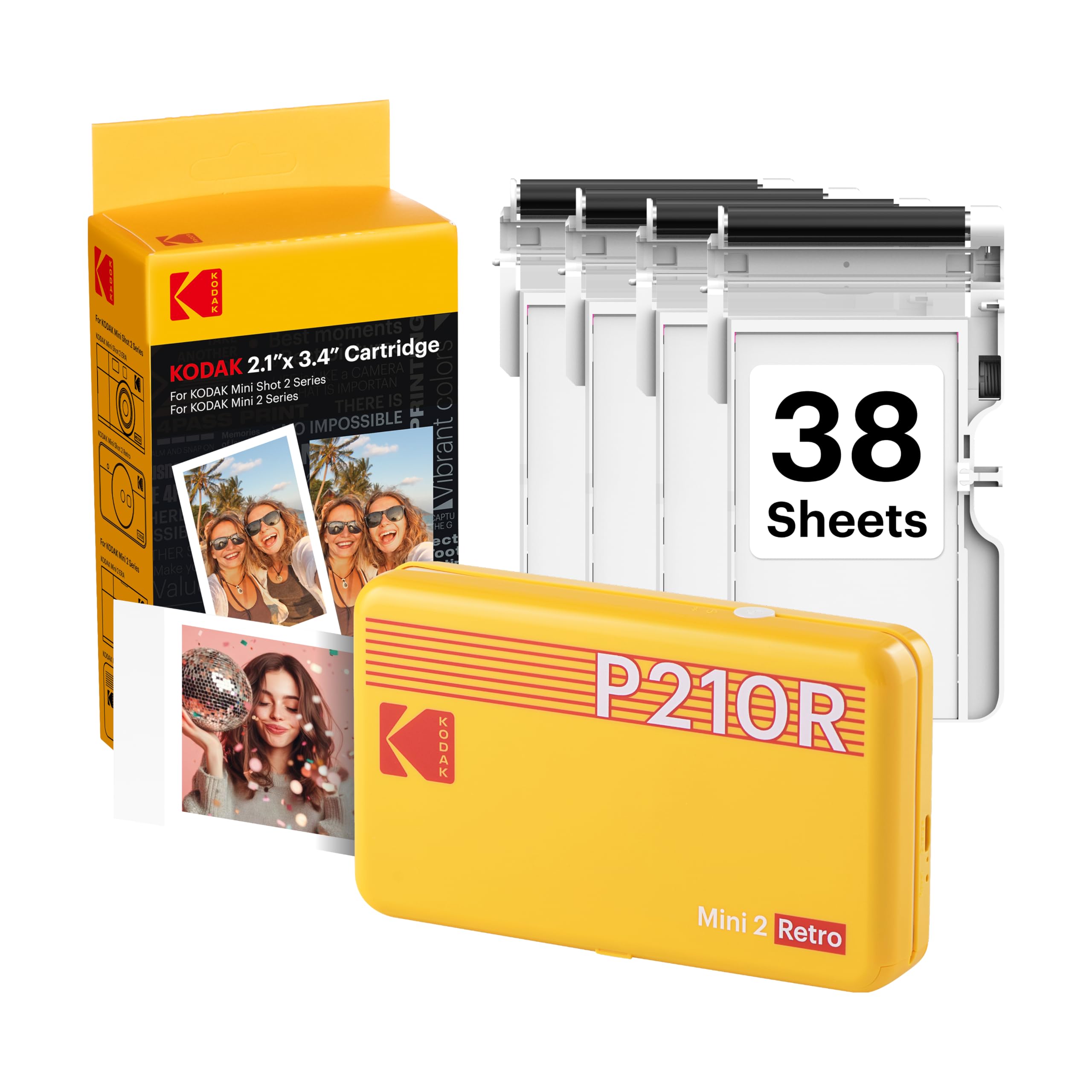
The Mini 2 Retro is worth considering if you prefer a dye-sublimation process and a bundled supply of paper and cartridges.
Choose the Step Slim if avoiding separate ink cartridges and printing adhesive-backed Zink photos better match your routine.
- The KODAK Mini 2 Retro uses 4PASS dye-sublimation printing and comes with a bundle of photo paper and cartridges.
- The Kodak Step Slim uses ink-free Zink paper for small, sticky-backed prints.
Is Kodak Step Slim Worth It?
The KODAK Step Slim is worth considering for phone users who want a genuinely portable way to make small, colorful, adhesive-backed prints for scrapbooks, journals, and informal sharing.
Its app-based editing and ink-free Zink process keep the concept straightforward.
Buy it with the print size and paper supply in mind.
The 2-by-3-inch format is intentionally small, and frequent printing depends on keeping compatible Zink paper available; shoppers seeking larger photos or a different printing process should compare those needs before choosing.
Your review at a glance
500+ ratings
Read Amazon ReviewsKODAK Step Slim
A compact phone printer for travelers, scrapbookers, and anyone who wants small, adhesive-backed snapshots to decorate or share.
- Prints color photos on 2-by-3-inch Zink paper with an adhesive backing.
- Connects wirelessly to iOS and Android smartphones through Bluetooth and the KODAK STEP Prints app.
- The app includes editing options such as frames and stickers.
- Zink printing does not require separate ink or toner supplies.