The Phomemo M110 Label Printer review centers on a compact thermal printer aimed at small businesses, retail tasks, and home labeling.
Its three included label sizes, app-based design tools, and support for barcodes and QR codes give it a flexible role for short product labels.
Phomemo M110 Review Summary
The quick verdict
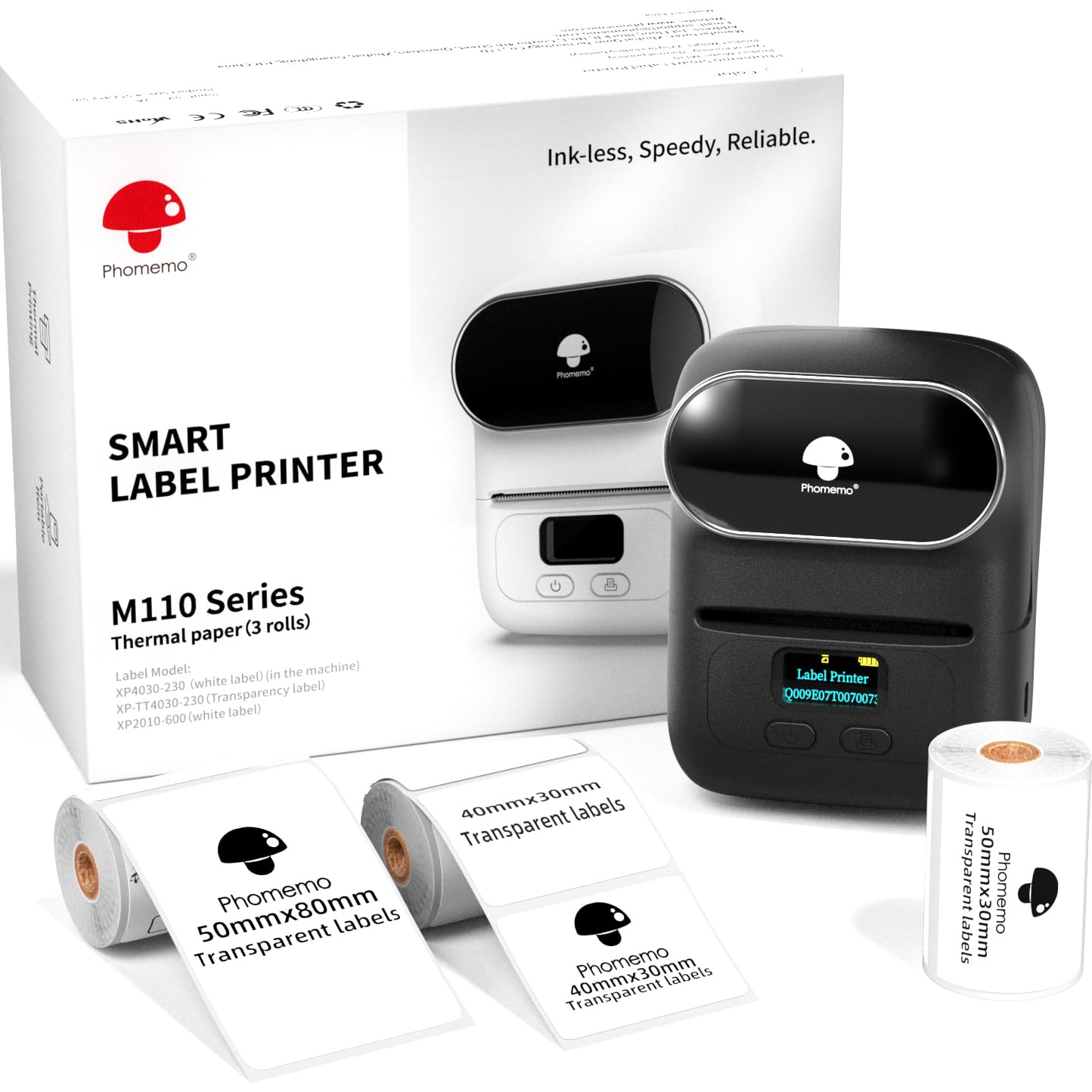
1,000+ ratings
Read Amazon ReviewsPhomemo M110 Label Printer
A portable thermal label printer for small businesses and home users who need flexible labels, barcodes, and batch printing from a phone.
- Includes the M110 printer and three label sizes: 40 × 30 mm, 50 × 30 mm, and 50 × 80 mm.
- Supports label widths from 20 to 50 mm and lengths up to 80 mm.
- Prints text, images, QR codes, barcodes, product labels, address labels, ingredient labels, price labels, clothing labels, and jewelry labels.
- Print Master app offers ready-made templates, saved custom templates, more than 30 fonts, 500-plus emojis, and over 40 borders.

Pros
- Three different label sizes are included, giving buyers a chance to try formats suited to different tasks.
- The 20–50 mm width range and 80 mm maximum length accommodate many compact product and organization labels.
Consider before buying
- Bluetooth setup requires turning on Bluetooth and connecting inside the Print Master app; pairing through the device’s Bluetooth settings can cause connection failure.
- The described label formats top out at 50 mm wide and 80 mm long, so check that your intended label dimensions fit before buying.
Read the full review summary
The M110 combines a portable format with label widths from 20 to 50 mm and lengths up to 80 mm.
It can print text, images, barcodes, and QR codes, while the Print Master app provides templates and tools for building or saving custom designs.
This set is most compelling for sellers, makers, and organizers who want to try three common label sizes before settling on one.
It relies on a Bluetooth connection through the app, so buyers should be comfortable designing and sending jobs from a phone; check your preferred workflow before choosing it for computer-based printing.
The buying factors
Phomemo M110 Scorecard
Editorial scores reflect listed features and buyer fit; they are not laboratory measurements or customer ratings.
Label-size flexibility
Three included sizes and support for widths from 20 to 50 mm cover a useful range of compact labeling jobs.
Small-business applications
Barcode, price, product, clothing, and ingredient labels suit common retail and maker tasks.
App design tools
Templates, saved designs, fonts, borders, and emojis offer several ways to create labels.
Batch-printing usefulness
Batch printing and a stated speed of 1.2 inches per second are aimed at repeated label jobs.
Portability
The mini format and stated four hours of continuous working time support use away from a fixed workstation.
Connection simplicity
The app-based Bluetooth setup is straightforward once understood, but pairing directly in device settings can fail.
Key Features and Specifications of Phomemo M110
- Includes the M110 printer and three label sizes: 40 × 30 mm, 50 × 30 mm, and 50 × 80 mm.
- Supports label widths from 20 to 50 mm and lengths up to 80 mm.
- Prints text, images, QR codes, barcodes, product labels, address labels, ingredient labels, price labels, clothing labels, and jewelry labels.
- Print Master app offers ready-made templates, saved custom templates, more than 30 fonts, 500-plus emojis, and over 40 borders.
- Supports batch printing; the stated print speed is 1.2 inches per second.
- The product description gives four hours of continuous working time and includes an OCR feature for converting text from images into editable text.
Pros and Cons of Phomemo M110
Pros
- Three different label sizes are included, giving buyers a chance to try formats suited to different tasks.
- The 20–50 mm width range and 80 mm maximum length accommodate many compact product and organization labels.
- Barcode, QR code, image, and text support makes it useful for varied small-business labeling.
- The app has a broad selection of templates and design elements, with options to save custom layouts.
Consider before buying
- Bluetooth setup requires turning on Bluetooth and connecting inside the Print Master app; pairing through the device’s Bluetooth settings can cause connection failure.
- The described label formats top out at 50 mm wide and 80 mm long, so check that your intended label dimensions fit before buying.
- The set includes three specific sizes; buyers who already know their preferred size may not need all three.
Who Should Buy Phomemo M110?
Good fit
Consider the M110 if you run a small shop, sell handmade goods, or handle product labeling and want a compact printer for short labels.
The included 40 × 30 mm, 50 × 30 mm, and 50 × 80 mm formats offer a practical starting range for product details, prices, ingredients, and identification.
It also suits home users who want to make address, clothing, jewelry, or organization labels. The app’s templates and saved designs can reduce repeated layout work, while barcode and QR code support opens up more structured labeling uses.
Before choosing it, confirm that the supported dimensions suit your labels and that an app-led Bluetooth workflow fits your routine. Follow the in-app connection process and avoid pairing through the phone’s Bluetooth settings.
Who should skip it
Look elsewhere if your work requires labels wider than 50 mm or longer than 80 mm. The M110’s stated media range is designed for compact labels, so measure the intended label area first.
It may be a poor fit if you need a workflow that does not depend on a phone app for Bluetooth setup. Check whether your preferred device and printing process work with the Print Master app before committing.
How the Phomemo M110 Fits Small-Business Labeling
Three sizes make sampling easier
The included 40 × 30 mm, 50 × 30 mm, and 50 × 80 mm rolls give a new user several formats to try.
That can help when a business is still deciding how much room product names, prices, or other details need. The maximum supported length is 80 mm, so these remain compact labels rather than a general-purpose large-format solution.
A phone app is central to the workflow
The Print Master app supplies ready-made templates and lets users save their own, with fonts, borders, and emojis for styling. Text, images, QR codes, and barcodes broaden the kinds of labels a seller can prepare.
The connection process is specific: switch on Bluetooth, then connect through the app. Buyers should factor that routine into how they expect to create and print jobs.
Batch work has a clear use case
Batch printing paired with a stated speed of 1.2 inches per second is relevant when the same label must be repeated for a group of products.
The stated four hours of continuous working time also suggests the printer can be used for a stretch of labeling without staying tethered to a desk. Actual suitability depends on the label size and volume in your workflow.
OCR may help with text reuse
The OCR feature is described as recognizing text in an image and turning it into editable text. That could be useful when recreating label wording from a photo rather than typing it again.
Since the description does not specify which image sources or text layouts work best, test a representative example if OCR is central to your process.
Alternatives to Phomemo M110
Desktop Label Printers alternative
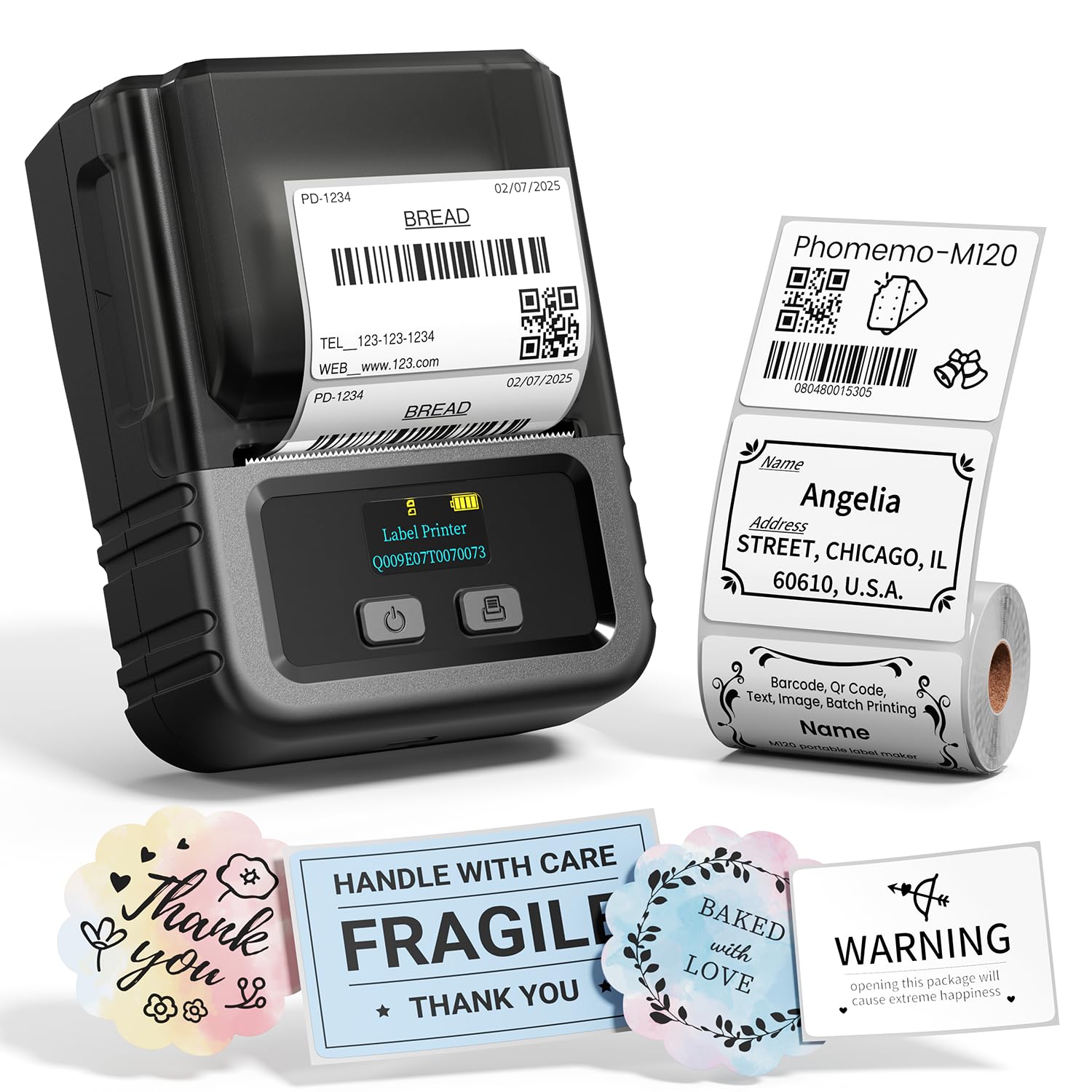
1,000+ ratings
Read Amazon ReviewsPhomemo M120 Label Printer
Choose the M110 if trying three included label sizes is useful to you. Consider the M120 if its described USB-C computer workflow or its additional app functions better match how you create labels.
- The M120 supports 20–50 mm labels, Bluetooth printing through Print Master, and USB-C computer connection using Labelife software for Windows, Mac, and Chrome OS.
- It also lists OCR, voice recognition, and image-to-label conversion.
- The M110 includes three label sizes, supports widths up to 50 mm, and uses the Print Master app for Bluetooth printing.
Desktop Label Printers alternative
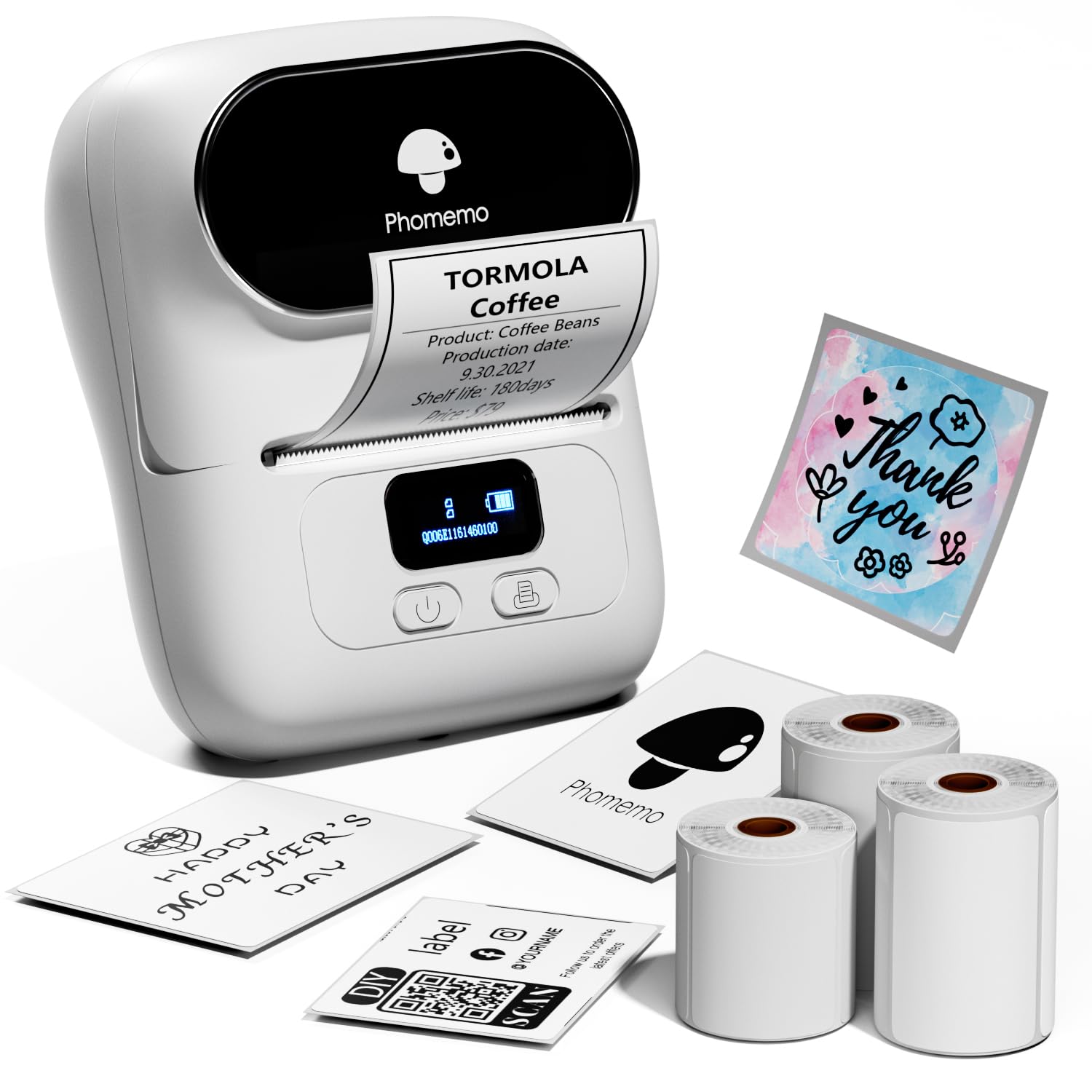
6,000+ ratings
Read Amazon ReviewsPhomemo M110 Label Printer
These are closely related M110 offerings. Compare the package contents and connection details that matter to your routine; the supplied descriptions do not establish a meaningful difference in the core label sizes or use cases.
- This M110 package also includes those three label sizes and describes Bluetooth 4.0 with a stated range of up to 33 feet, plus compatibility with Android and iOS.
- Its description also mentions clear labels and repeat printing.
- The reviewed M110 set includes 40 × 30 mm, 50 × 30 mm, and 50 × 80 mm labels and describes an app-based Bluetooth workflow.
Is Phomemo M110 Worth It?
The Phomemo M110 Label Printer is worth considering for small sellers, makers, and home users who need compact labels with room for barcodes, QR codes, or product details.
Three included sizes and an app with templates make it flexible for trying different layouts.
Buy it if 20–50 mm widths and lengths up to 80 mm fit your work and you are comfortable connecting through Print Master.
Measure your labels and confirm the app-based workflow first, especially if you plan to print in batches.
Your review at a glance
1,000+ ratings
Read Amazon ReviewsPhomemo M110 Label Printer
A portable thermal label printer for small businesses and home users who need flexible labels, barcodes, and batch printing from a phone.
- Includes the M110 printer and three label sizes: 40 × 30 mm, 50 × 30 mm, and 50 × 80 mm.
- Supports label widths from 20 to 50 mm and lengths up to 80 mm.
- Prints text, images, QR codes, barcodes, product labels, address labels, ingredient labels, price labels, clothing labels, and jewelry labels.
- Print Master app offers ready-made templates, saved custom templates, more than 30 fonts, 500-plus emojis, and over 40 borders.